
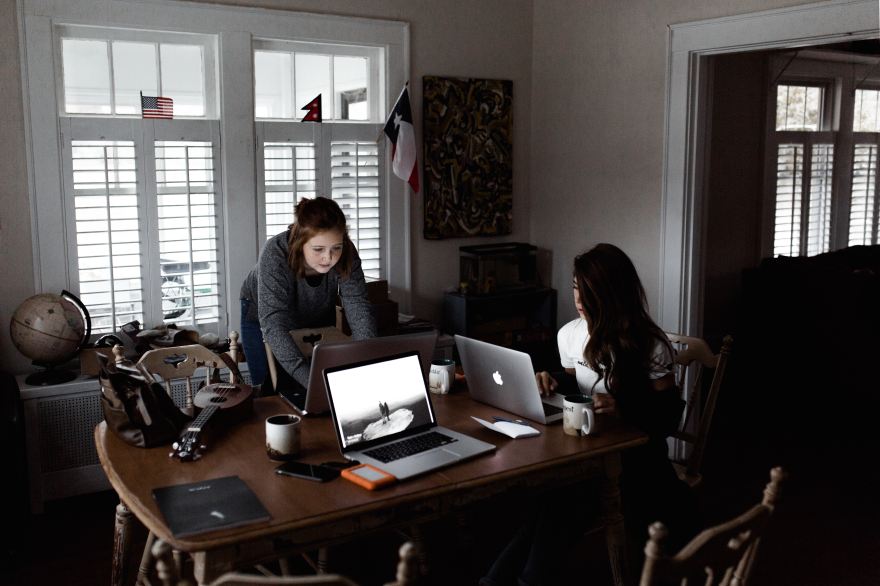
Featured Image made by Andrew Neel https://unsplash.com/@andrewtneel
Computers are very interesting, you can do all sorts of things with it. like gaming, writing, or coding. You cant do those things without building the thing though, you ever think about that? Whether it be a desktop, a laptop, PC or mac, the computer part world is a vast one and I’m gonna show you the best computer parts you can use for an assortment of things. Like I said, computers are fun! Lets start with one the most important parts of the computer.
Number One: The Hard Drive
The Hard drive is meant to be used to store the data of the computer, like music, pictures, and videos, depending on what hard drive you buy, you can get up to 100 terabytes. Here is an example of what I’m talking about; https://www.amazon.com/100tb-hard-drive/s?k=100tb+hard+drive Your not gonna be able to use the computer without this part, but this next part is very necessary to the computer;
Number Two: Mother Board and CPU and RAM
When you want the computer to turn on, you need to get a good mother board. This is a green circuit board that can helps the CPU, RAM, and the other parts interact. There are many forms of mother boards to chose from.
-AT Motherboards
-ATX Motherboards
-Expansion Slots
-CPU Sockets
Number Three USB Slots
These are exactly what it says on the tin, a part for the USB cords to plug into the computer. When you want to transfer data from system to system, this part is essential.
Number Four Peripherals
Speakers, scanners, printers, all of the stuff that you use to create your work, you gain more functions by having these. It is more optimal to have these things.
How do these Parts work together?
The Mother Board allows the CPU and the RAM to interact with the other parts of the to computer to make them actually work. That is usually what make the computer run like butter all the time (or not). According to YourBuisnness.azcentral.com they had this to say about motherboards and hard drives interacting.
Paraphrasing without crediting the original author is considered plagiarism and therefore has serious consequences. However, if you do credit the original author correctly using an in-text citation or footnote citation and include the full source in the reference list, then you do not commit plagiarism.
https://yourbusiness.azcentral.com/hard-drives-work-motherboards-23169.html
4 Safety Guidelines and Ergonomics
Passwords are always good to be stored in all sorts of places.
If your computer gets stolen you should keep it locked.
Keep everything backed up on USBs (the most modern compnent for a computer)
Keep your computer clean all the time.
Optimizing the use of your computer is important is important, that is what Ergonomics is.
Macs vs. PCs and Operating Systems
PC can run on Windows and Linux, while Mac cannot.
Macs only have USB ports unlike PCs
Macs are more expensive than most PCs.
Different operating systems include Google Android, Apple mac, Apple iOS and Linux. The most common of these is Microsoft Windows.
Internal vs External, What is an SSD drive and connection ports
Internal is connected to the motherboard, whereas External is connected to the hard drive. The most common connection cord is the VGA cable. An SSD cord is a big storage device that is used for computers, kind of like the hard drive except it reads and writes data without power.
 Chris Class Blog