Setting the Mood, Mood Boards

https://unsplash.com/@xteemu The source for the image that is featured.

This might a new topic for anyone who is new to the work space, for anyone who does not know anything about them i will lay it out for you. The Mood Board is a presentation for your new project or something of the like, that conveys a feeling of what your product, or some one else’s product, is like, hence why its called a “Mood Board”. It is needed if you want to tell your boss or employer about how your product will work. It needs to be different from the competition, be unique, and it needs to be ascetically pleasing to you and your consumer.

5 Tools to know when making Mood Boards

I found most of this in this article; https://www.creativebloq.com/graphic-design/16-great-tools-creating-mood-boards-91412793

Pinterest; This is a social media platform that is used to post art, stories and things like that. It seems like you can post a mood board on the website or app so you can show someone the idea for the product. I think this could be useful to share with businesses all over the world, it can help with SEO and can maximize your chance of employment.

Milatone; A website that you have to sign up for to make a mood board. It doesn’t seem like the best choice, but it look like it can be used for variety of other projects.

Ever note; This is an app used to take notes, it can be used to write down ideas, but also, oddly enough be used for a mood board. Definitely good in case you forget something.

The Mat board; Image sharing site The Mat board is specifically targeting creatives as an alternative to the more mainstream Pinterest. – Creativebloq. Pinterest should be a better alternative.

Google Slide; This is the definitive way to make mood boards in my opinion. This service is something you can access if you have a google account, it is connected to google drive, a cloud based service, so you can store the mood board so you don’t lose it. This way of making mood boards is fool proof.

Make sure your boss is not ‘Board’

From my experience making the mood board i chose to do, i have to follow exactly what the outline is, but i have to make sure it is unique to the other competitors, otherwise it wont work out if you want a job. I made a few mistakes, like not using the right image, or using a color that was unappealing, to fix this, i went back and edited my mood board.Make sure when you make this thing that you double check your work and perfect your mood board.
Multimedia Designer Jobs and Legalities

Photo by Simone Impei on Unsplash

The next chapter of the multimedia profession is to take a role in the field. That is what this job is all about, there are all sorts of things you can do in Multimedia as I have already went over in all of my previous blog posts. In this article I will talk about the different jobs you can do in Multimedia, now I don’t want to repeat myself, so I will start to list down the jobs.

The Definitive list of 5 great Jobs for Multimedia

Multimedia Project Manager: The role where you call all the shots usually, most of the time you talk to most of the members of your unit and tell them the things they have to do. It good to have leadership skills for this position.

Multimedia Project Designer: The one who makes the aesthetic choices for the project, without this person, you would not even be looking at nothing but a blank screen! You must have art experience for this.

Journalist; This is a person who wrties pieces about various topics on the internet or newspapers or articles, much like what I am doing right now. They are very important, they get the news and make think pieces, but a rushed article can hurt you. You must have writing experience if you want this job.

Game Designer; This job requires not only coding experince, but also art experince, planning and storyboarding. It is a very big industry at this moment and be good for anyone who likes games or has a creative ich to scratch.

Film Maker, This is another big industry that require a lot of the same requirements as games development, minus the coding. You will need story writing experience and acting experience.

Copyright Laws

Unfortunately there are a lot of copy right when it comes to the world of art. There are contracts and terms of services papers with all sorts of rules for the people. For instance, if you find an image or video online with a water mark, or the brand of the person or organization that made it, you have to pay a royalty to then. Some companies own some fonts, so you have to pay royalties to use them as well.

Permission to Take Photos?

Sometimes there are areas where you need to ask the person who owns the area to be able to take pictures. In most schools they don’t allow picture taking on campus. You sometimes need to sign a permission slip to shoot.

Advanced Photography

Featured Image taken and edited by myself, Christian Fernandez

I have been doing photography for a good amount of time, enough so that I’m used to it and I can learn more about it. Now that we have reached a high level of photography, I can show you the cool stuff you can do with your photos that only the experts can do. There is a lot to cover when it comes to this topic of advanced photography, so I ask you, the reader of this article to prepare your self for the lesson, its quite interesting stuff if I do say so myself.

What are HDR photos?

HDR photos, or High dynamic range imaging, is a type of photography that aims to add more dynamic range to photos which makes so that the photo has a better ratio to light and dark so that it has better lighting. To make an HDR photo, its not as simple as just taking one photo and your done, you have to take three different photos; one normal photo, one underexposed photo (dark), and one overexposed photo (bright), I suggest you use a tripod. Once that is done, you merge the photos together in Photoshop to make it one, but it has a ghost like filter on it that you have remove, it comes out like below.

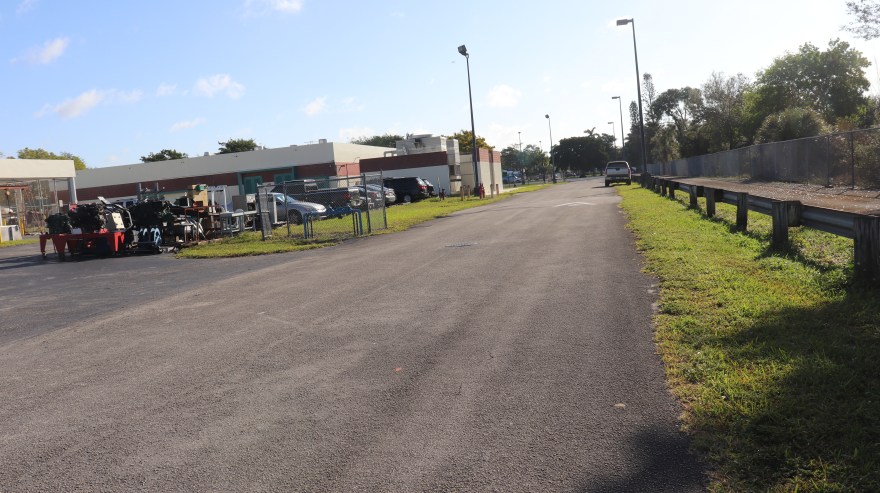
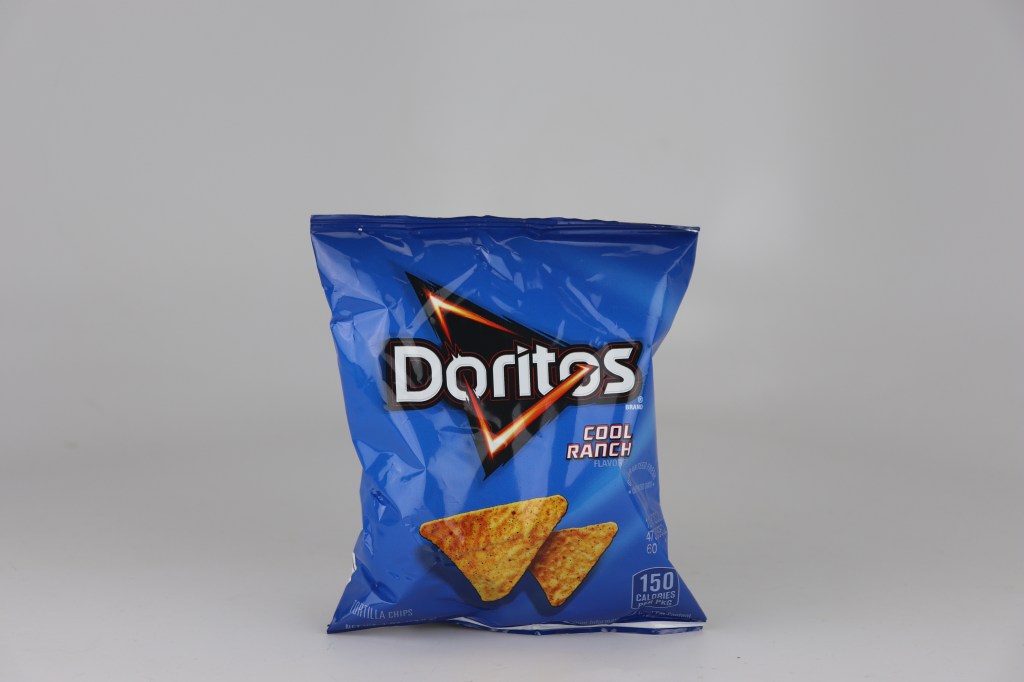
First one is the normal one, second is underexposed, and third is overexposed. Once you put them together….

It comes out like this!

What is a Panoramic shot?

Panoramic photos are a series of pictures taken close together using the rule of thirds so that it looks like a continuous image. What I mean by the rule of thirds is that the placement of certain objects in the shot can effect how the panoramic looks. To simply explain, if you were to put your camera in a grid mode the middle third square is what you need to pay attention to, follow the key objects, make sure in the next shot it get caught in the first square, whatever is in the third square then you need to do the same. Make sure to use a tripod for this as well.

These series of four photos were taken very close together, but once you merge them together in Photoshop you make….

…..something like this!

What are Black and White Pictures?

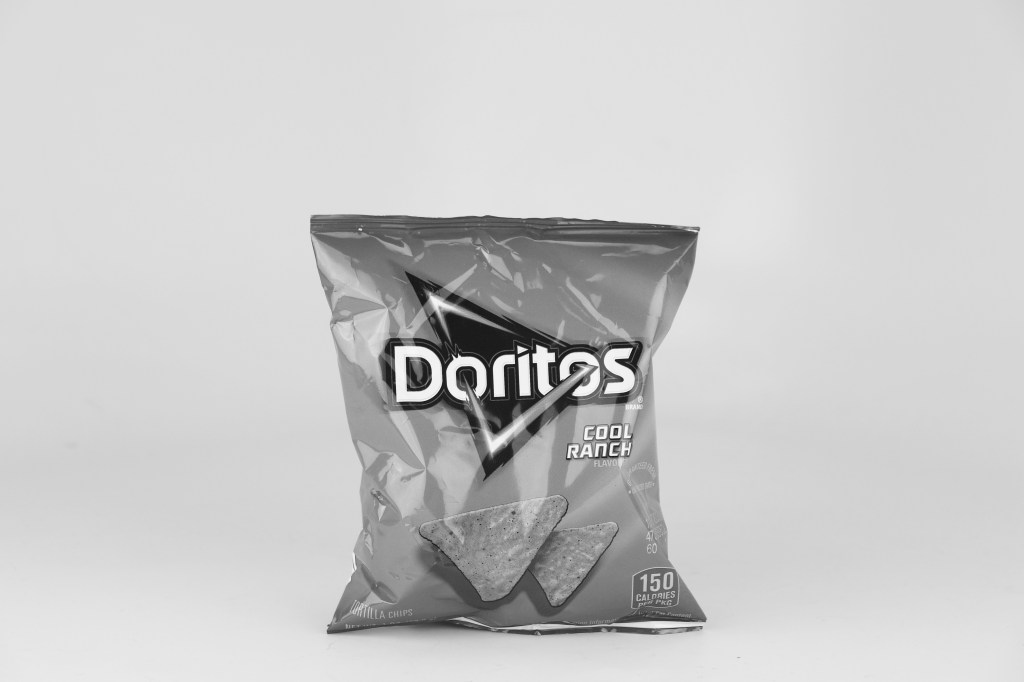
This is exactly what it sounds like, it is a photo that you turn black and white with Photoshop. All you have to do is adjusting the color values to make it without color, then make a brightness layer to light it up a bit. What makes a good black and white photo is the brightness of the picture, if it doesn’t have that, its not good.

Monochrome photography is photography where each position on an image can record and show a different amount of light, but not a different hue.

https://en.wikipedia.org/wiki/Monochrome_photography
Before…
After.

Basic of Digital Photography

https://unsplash.com/@sharegrid Featured Image

You might think of photos and think of anything but a successful career, you might think that photographers are just wasting their time taking pictures of everything they see for no reason, you might be one of those people who get uncomfortable in pictures for whatever reason, but believe it or not, this is a very profitable job. This job is actually a great art form, there is a lot to see in life, and much of it can be art itself. Let me list the different types of cameras that can make a masterpiece for you.

DSLR

I got my information from this article.

https://www.digitaltrends.com/photography/what-is-a-dslr-camera/

A DLSR camera or “Digital Single Lens Reflex” camera is the best camera for interchangeable lens, and zoom ins. It has a mirror lens inside that reflects what is in front. It has a great battery life compared to other cameras.

Cell Phone Cameras

While not the best option for pictures, it has some great options to take pictures. Unlike any other camera it has a self portrait mode, or what most people nowadays call “Selfies”, which is pretty self explanatory (see what i did there), it is where you switch the lens of the phone to the view of your face. You can do pretty basic things like changing the brightness, but when you turn the phone side ways, you can change the image shape and view.

Cam Corder

This camera seems to be used to take pictures and videos in the dark. In addition:

More recent devices capable of recording video are camera phones and digital cameras primarily intended for still pictures; the term “camcorder” may be used to describe a portable, self-contained device, with video capture and recording its primary function, often having advanced functions over more common cameras.

https://en.wikipedia.org/wiki/Camcorder

Most professional photographers use the DSLR camera to take pictures.

Materials Used for the DSLR Camera

  • Tripod: This is used to prop up the camera so that you could get no shaky photos.
  • Microphones: So you can take a good video of an environment and put it in your work.
  • Mount: It is a feature of camera systems where the body allows interchangeable lenses, most usually the rangefinder camera, single lens reflex type or any movie camera of 16 mm or higher gauge. https://en.wikipedia.org/wiki/Lens_mount

These can be used together in a multitude of ways, the tripod can be used with the microphone to make a smooth video. They can also change the mount to suit each shot.

Exposure Triangle

Relationship between ISO, shutter speed, and aperture, they work together to make the camera work well, adding different exposures.

Design Software & Terminology

Featured Image Link https://unsplash.com/@wahidkhene

We used to only be able to make art with a pen and a paper, but now we have the computer to make the best art. There is a lot of terminology when it comes to design software, it is a little daunting at first, but with time, you can learn it just fine. With this field there is a whole lot of different choices for technology. Seeing as its hard to remember it all, I will list it all here for your convenience. To start….

The Adobe CC Software Guide

Photoshop is the Adobe software where you can edit photos and make it look like a completely different image, or a beautiful work of art. Adobe Illustrator can be used to make a great looking website. Adobe In design can be used to make some great design lay outs for jobs. Adobe Aftereffects can be used to edit and create videos. Adobe Premiere can be used to make and edit audio. Lastly, Animate is the studio where you get to animate all sorts of things.

The most common software and hardware issues

1.The blue screen of death, this can be fixed on your computer by doing a system restore, downloading the newest updates, check out the hard disk cables to make sure to it works perfectly, or doing a startup repair, i found this information from this source below.

https://neosmart.net/wiki/blue-screen-death-bsod-errors-windows-7/

2.Malware can be easily fixed by looking in your files and deleting the problem file.

3.Frozen Screen is a pretty simple issue to solve, all you need to do to make it work again is turn the computer of and on, and if the button is not responding, than unplug the computer and turn it back on.

4.Internet Problems can be easily solved by getting a good router.

5.Overheating can be solved by using your computer sparingly and getting a good fan in the desktop.

Multimedia Presentations

Since I am in a multimedia field, i need to use all this data for presentations to show I know my stuff. Adobe photo shop can used to make a good looking cover picture for the start of my presentation that really catches your attention, I would use the Adobe Indesign to type the information and lay out the different pages. Illustrator can be used to put different drawings on the side of the information. I can also make a cute little video in adobe Premiere and attach it to the presentation. What I know for sure is, that I know what I’m doing when it comes to Adobe.