
Making a GIF on Photoshop sounds likes something you cant do, but you definitely can. I will show you that it is as simple as counting from one to ten. You are going to have to get your base though so you can actually get started, perhaps you can make it in Illustrator or get it from screen shots from a different program or what have you. So boot up Photoshop and get started on this fun project, this could be very useful for anything you want to do in the future. So lets get to the first step.
Step One; Make your subject
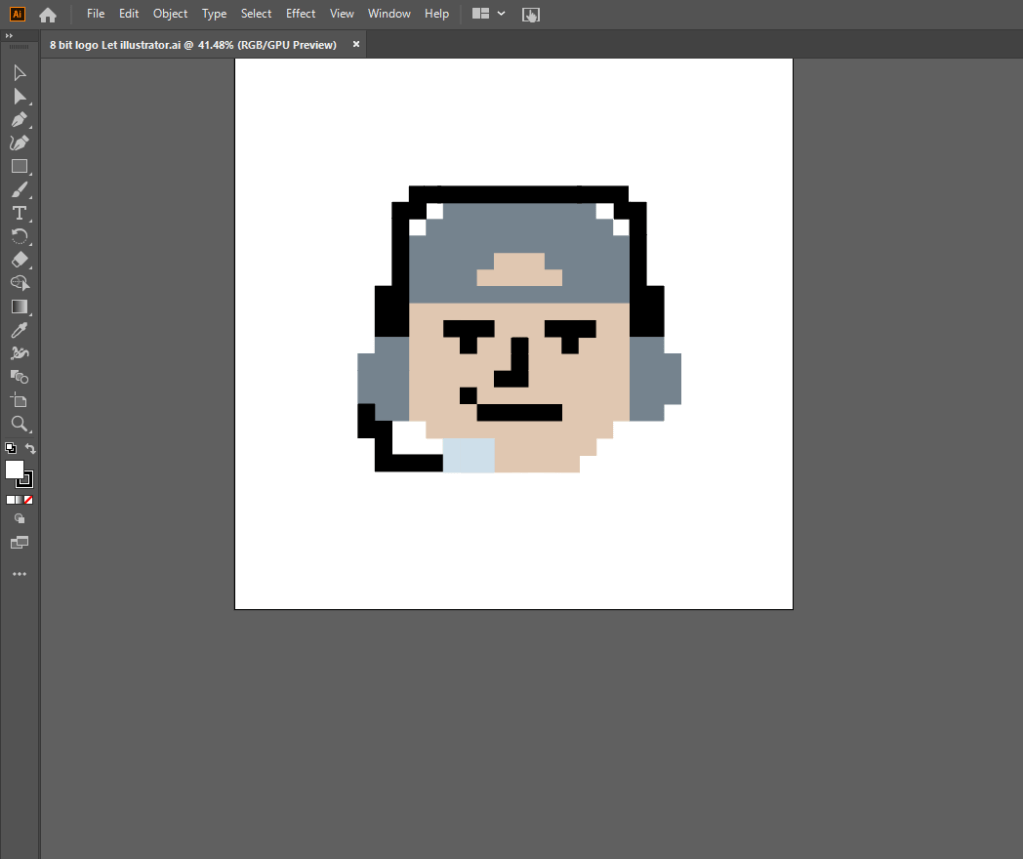

This is required if you want to have a logo. So any way, on to step two.
Step 2 Import into Photoshop
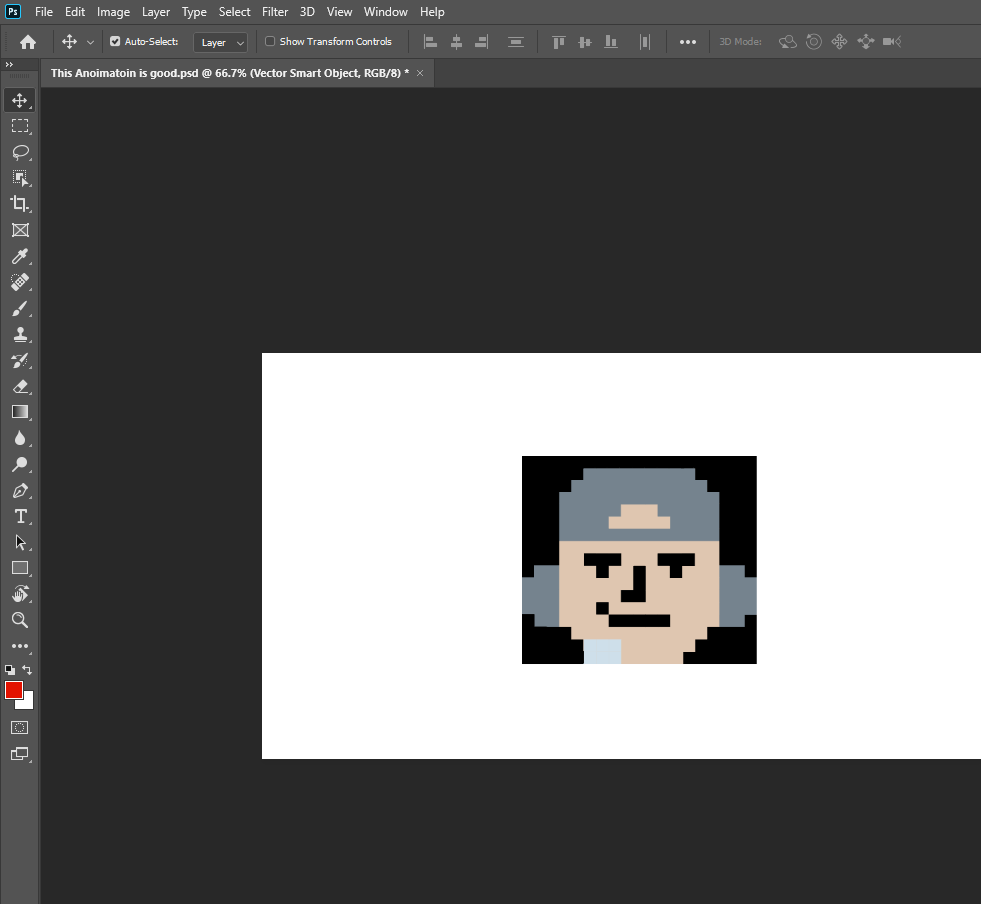
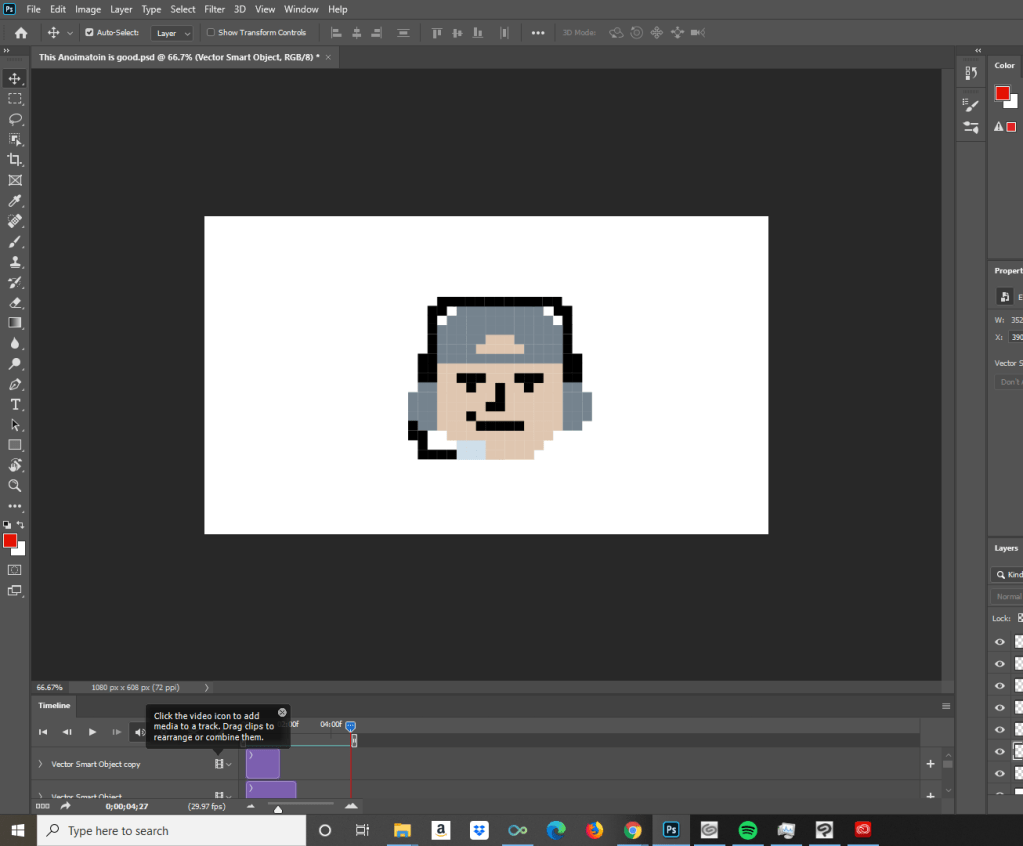
Step 3; Animate
Step 4; Export as a GIF
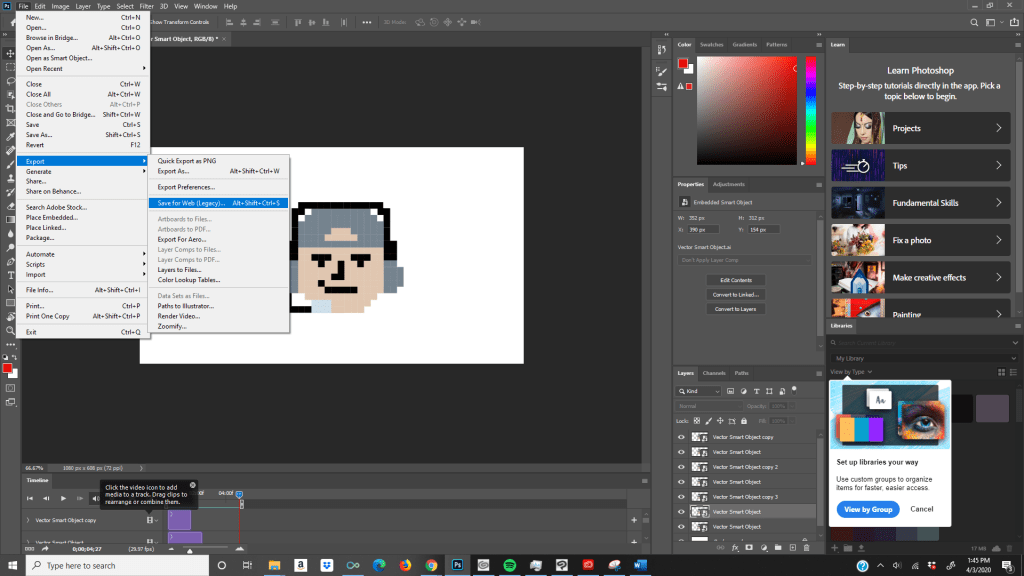
To finish your GIF so you can share with anyone you want, all you have do is hover over the File tab and look for another tab called export, and then you must go to Save for Web (Legacy) When you get there, you change the file type to a GIF format. Make sure everything is in order and your sure that it works, press the save button and put in whatever file you want. Then you are done! You just made a GIF in Photoshop, pat yourself on the back why don’t you? Anytime you forget this, come back to this tutorial, you can thank me later.
 Chris Class Blog